A program is a series of activities your professional has planned for you, often over several weeks. Instead of everything at once, the steps open one by one, so you can focus on one thing at a time. Each step is an activity, and you do it like any other: see Complete an activity.
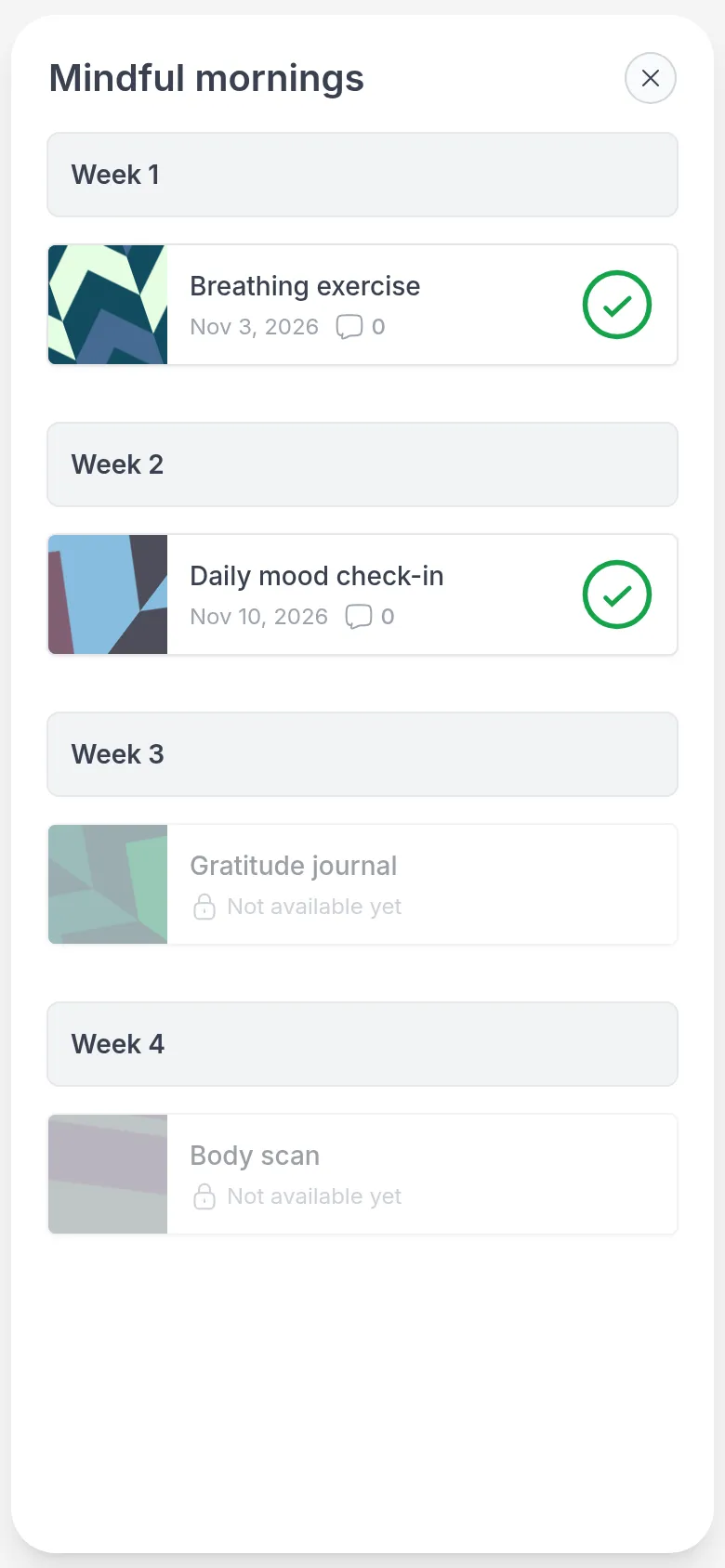
For example, Emma follows Mindful mornings, a four-week program from Sarah. Each week a new short exercise opens: a breathing exercise in week 1, a daily mood check-in in week 2, a gratitude journal in week 3. She does each one at her own pace before the next one opens.
Open a program
Section titled “Open a program”Go to Programs, or click the program on My Day when a step is ready. The circle shows how much of the program you have done.
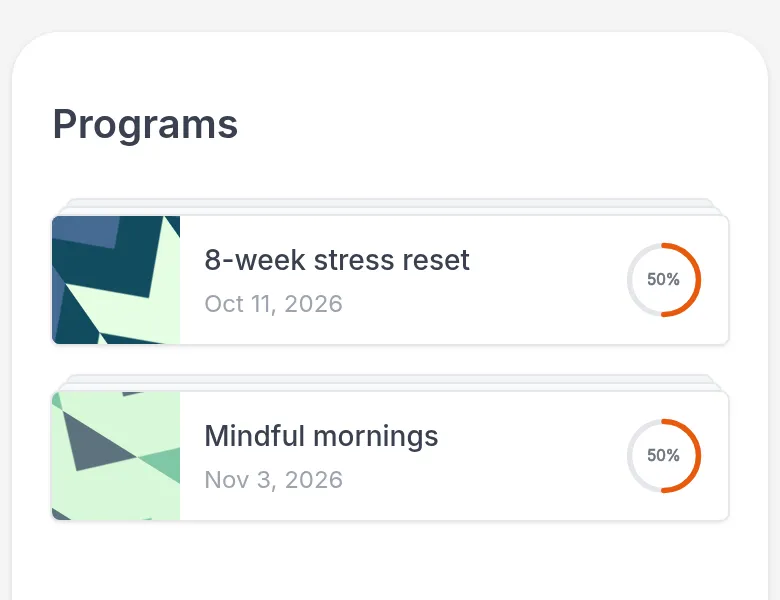
The program opens with all its steps, grouped into sections such as weeks if your professional added them. Click a step to open it.
Which steps are ready
Section titled “Which steps are ready”- A step with a date can be opened now.
- A step marked Not available yet, greyed out with a lock, opens later.
- A finished step shows a green check mark. Open it to look back at your answers.
Your professional decides when each step opens: right away, as soon as you finish the previous step, after some time (for example a week after the previous one), or when they open it for you, for example after you have talked about it in a session.
When a new step opens, you get a notification and the program appears on My Day. Once you have done that step, the program leaves My Day until the next one is ready.
If a step stays locked longer than you expected, ask your professional.