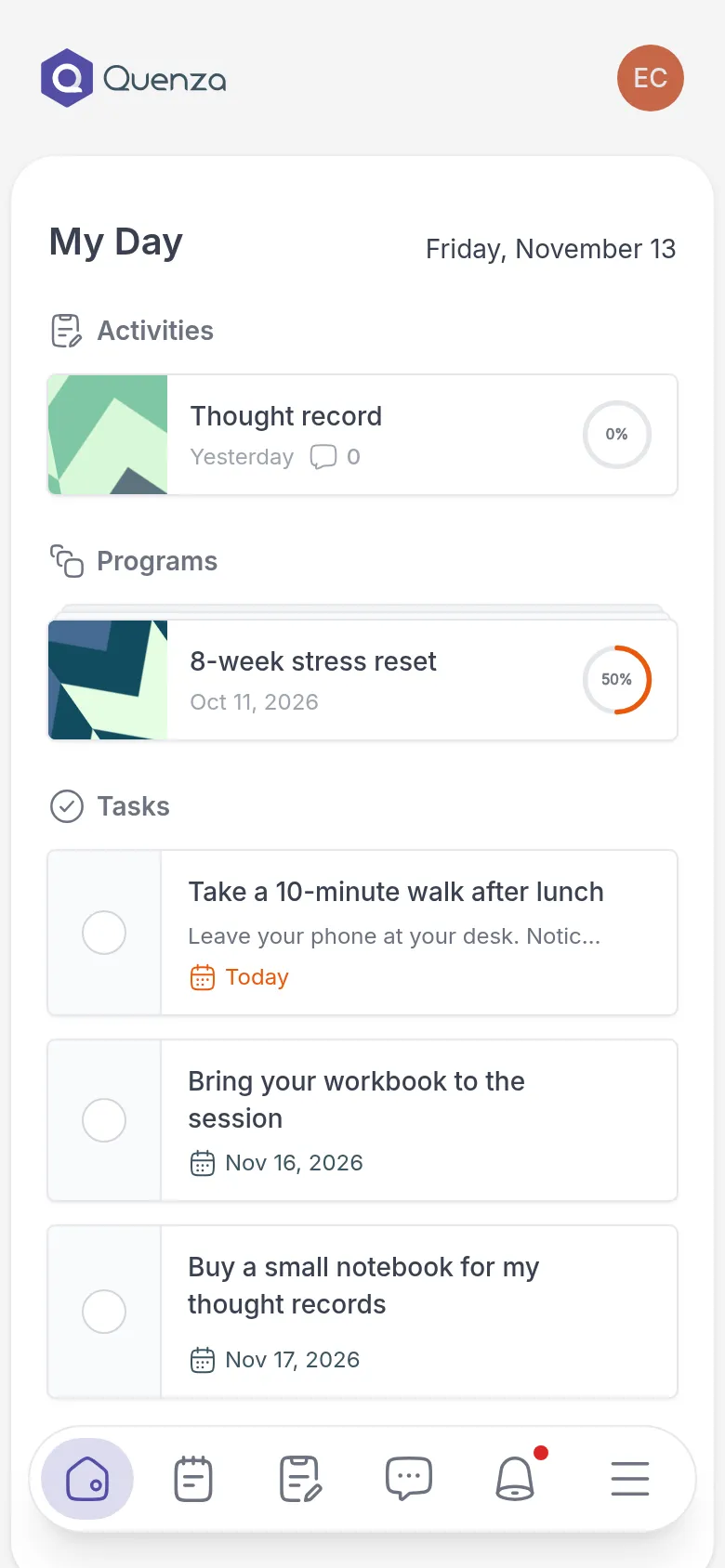
My Day is the first page you see when you sign in. It gathers everything that needs your attention right now, so you don’t have to look through the other pages to know what to do next. A quick look each day is enough.
What you see on My Day
Section titled “What you see on My Day”My Day has up to three groups:
- Activities: exercises and questionnaires your professional sent you that you have not finished yet. The circle shows how far along you are.
- Programs: programs with a step that is ready for you now.
- Tasks: open to-dos, from your professional and ones you added yourself. Tasks that are due soonest come first.
Click an activity or program to open it and continue where you left off. Tick the circle next to a task when you have done it. See Complete a task. If a group has more items than fit, click View more to see them all.
How My Day changes
Section titled “How My Day changes”My Day fills and empties on its own:
- Something new arrives when your professional sends it, or when the next step of a program opens. You also get a notification.
- Something leaves when you finish it. A program leaves My Day once you have done its current step and comes back when the next step opens.
- An activity with a deadline shows Expires and the date. After that date it disappears from My Day. If you need more time, ask your professional.
Nothing you finish is lost. You can always find it again on the Activities, Programs or Tasks page.
For example: on Monday, Emma’s My Day shows the Thought record Sarah sent after their session, this week’s step of the 8-week stress reset and the task “Take a 10-minute walk after lunch”. By Thursday she has done all three, and My Day is empty until the next program step opens on Saturday.
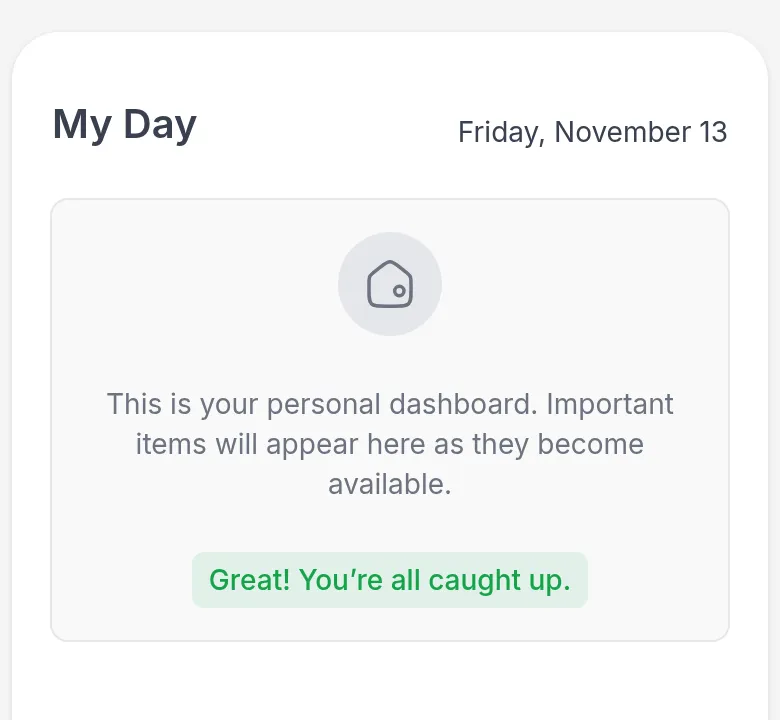
All caught up
Section titled “All caught up”When there is nothing left to do, My Day says Great! You’re all caught up.