
Plans and billing
Billing address
Update the billing address shown on your Quenza invoices and used to calculate tax, for example when your company details change.
Your billing address appears on your invoices and is used to calculate any tax that applies to your subscription. Update it when your details change, for example when you move your practice, register a company or want invoices in your company’s name for your accountant. The workspace Owner, Manager and Billing Manager can do this, in the web app.
You first enter a billing address when you subscribe, on the payment page. After that, you change it here:
- In the sidebar under Administration, click Billing → Subscription.
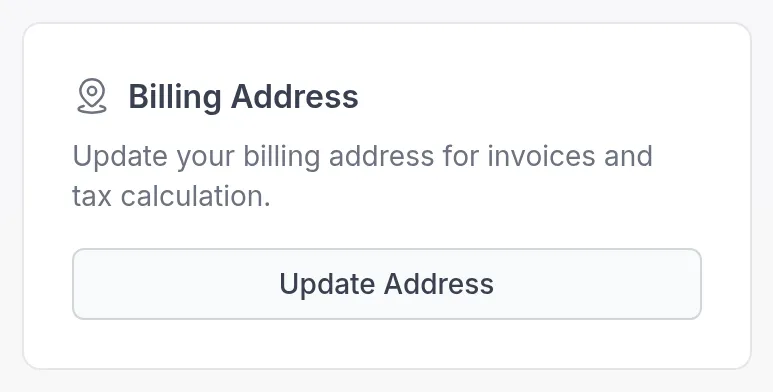
- In the Billing Address card, click Update Address. The secure billing portal of our payment provider opens in a new tab.
- Enter your new address and save.
Every invoice from then on shows the new address. Invoices you already received don’t change. You find them under Billing → Invoices; see Invoices and taxes.
The Billing Address card appears once you have a subscription. In the same billing portal you can also change your card; see Payment method.
Was this article helpful?
Thanks for letting us know.
Thank you. We read every answer and use it to improve this article.