
Manage clients
New group members
Let a group automatically send its earlier activities and programs to clients who join later, or send them to new members by hand.
By default, a client you add to a group does not receive the activities and programs the group already got. That suits a group where everyone starts together. For a group people join along the way, one setting catches new members up for you.
For example, Sarah Bennett’s Mindfulness group takes new members every few weeks. With automatic sending on, Zoe Andersen gets the breathing exercise and the earlier weeks’ activities as soon as Sarah adds her, so she can catch up before her first session.
Turn on automatic sending
Section titled “Turn on automatic sending”Open the group’s Settings tab. Under Assignments, turn on Automatically assign previously sent activities and programs to new members. and click Save.
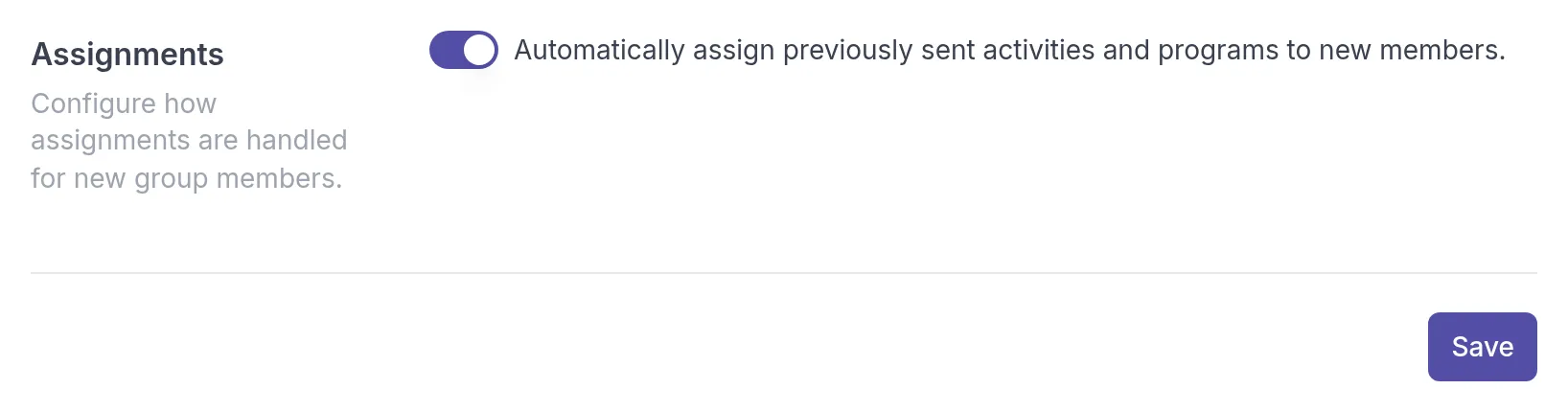
From now on, everyone you add to the group receives the activities and programs already sent to the group. Members who were in the group before you turned it on are not affected. You can also turn this on when you create a group, in the Assignments section of the Add group dialog.
Send items to a new member by hand
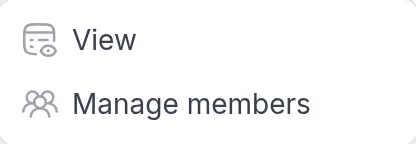
Section titled “Send items to a new member by hand”If you prefer to choose what each new member receives, leave the setting off and send items one by one. Open the group’s Activities or Programs tab, click ⋯ next to the item and choose Manage members.
The dialog lists the group’s members with their status for this item. Click Send next to a member who has not received it yet.
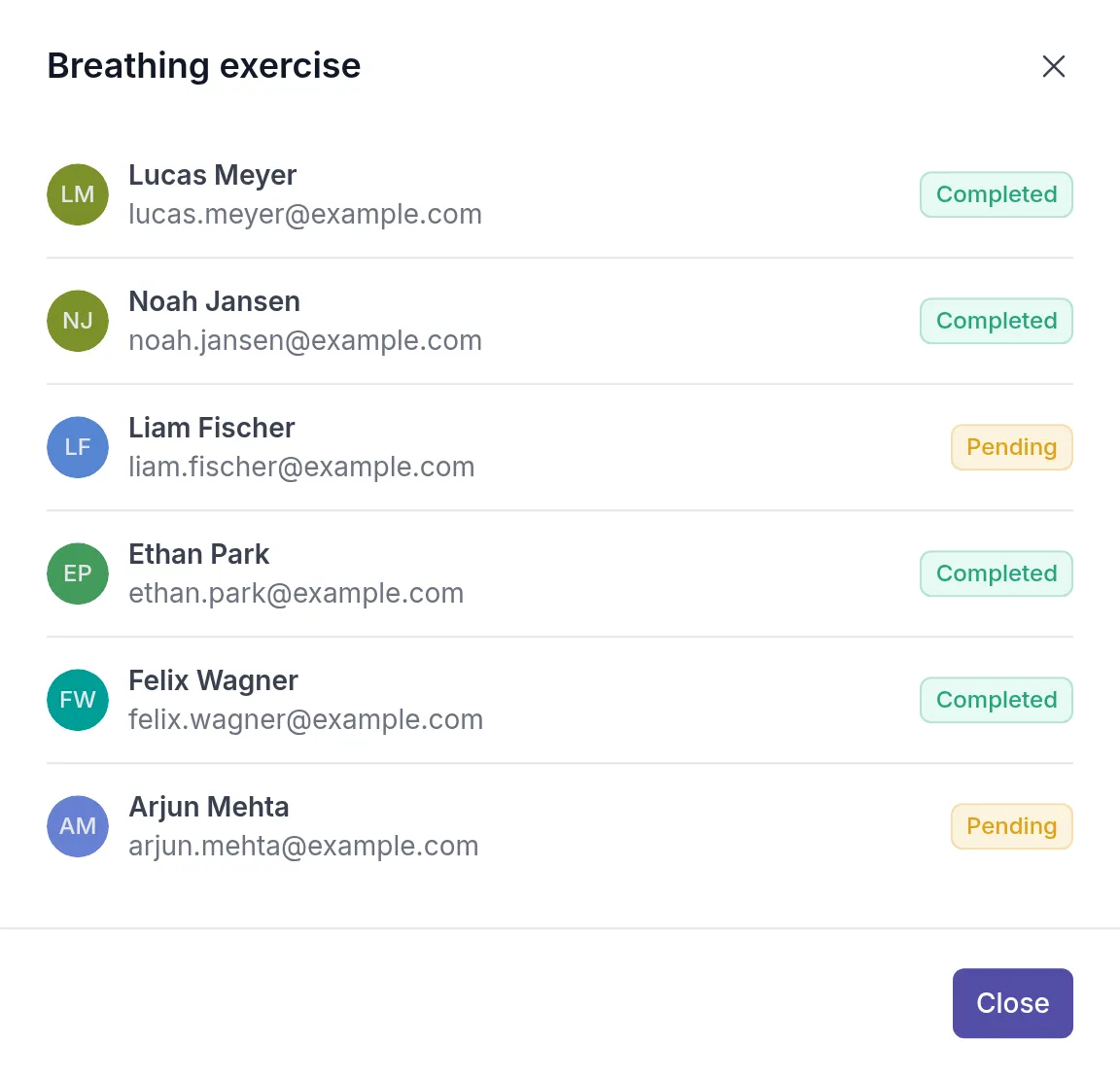
The same dialog shows you at a glance who has completed the item, which helps when you follow up before a session. To create a group and add members, see Groups.
Was this article helpful?
Thanks for letting us know.
Thank you. We read every answer and use it to improve this article.