
Troubleshooting
Reset your password
Set a new password for your Quenza account when you have forgotten it, using a reset link sent to your email address.
If you have forgotten your password, you can set a new one yourself with a link we email you. It works the same for professionals and clients. If one of your clients is locked out, you can send them here too: they reset their password themselves, and you don’t need to do anything.
Request a reset link
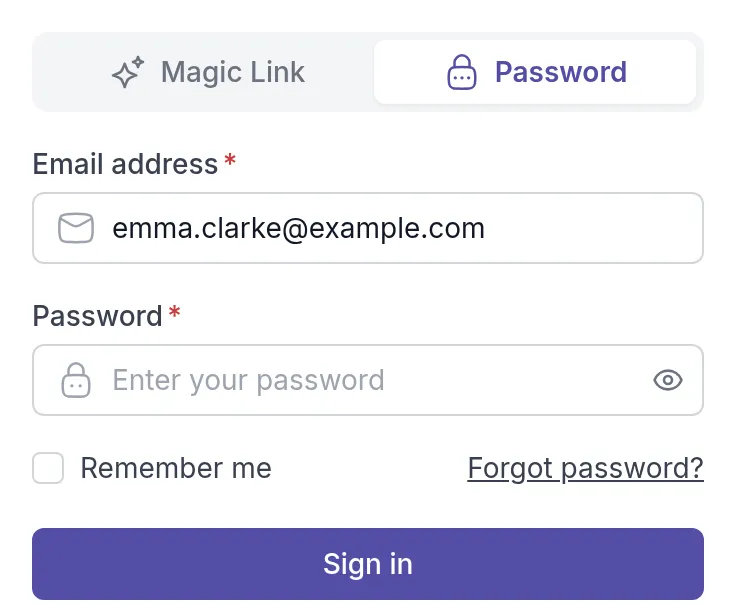
Section titled “Request a reset link”Go to the sign-in page at my.quenza.com/login, select the Password tab and click Forgot password? below the password field.
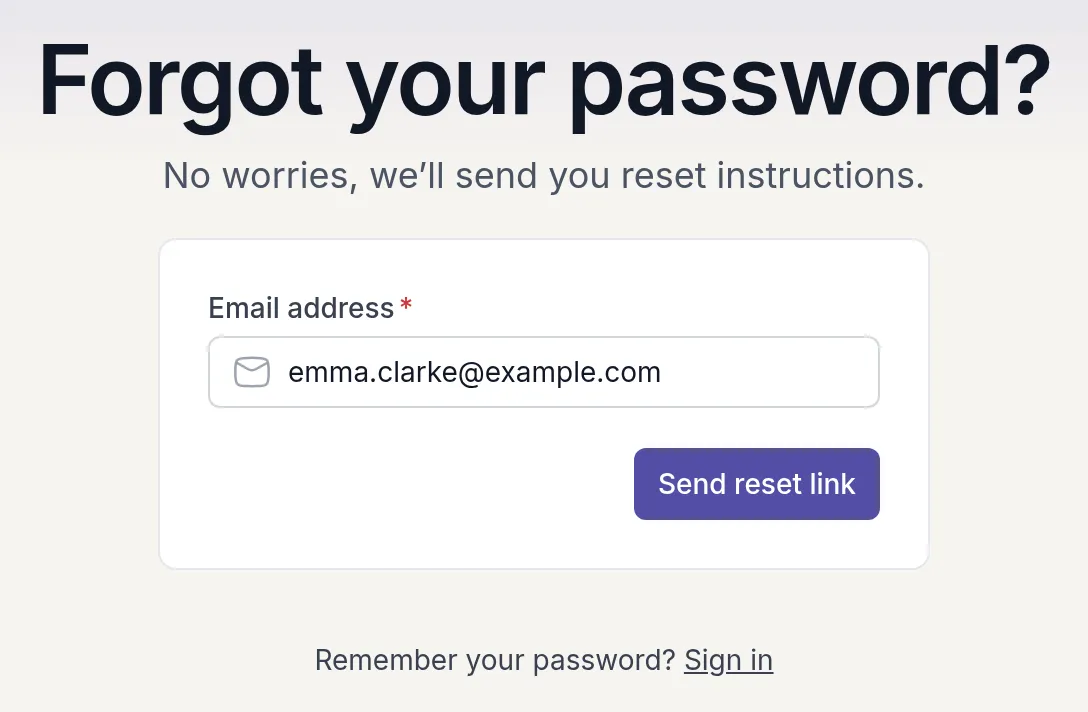
On the Forgot your password? page, enter the Email address of your Quenza account and click Send reset link.
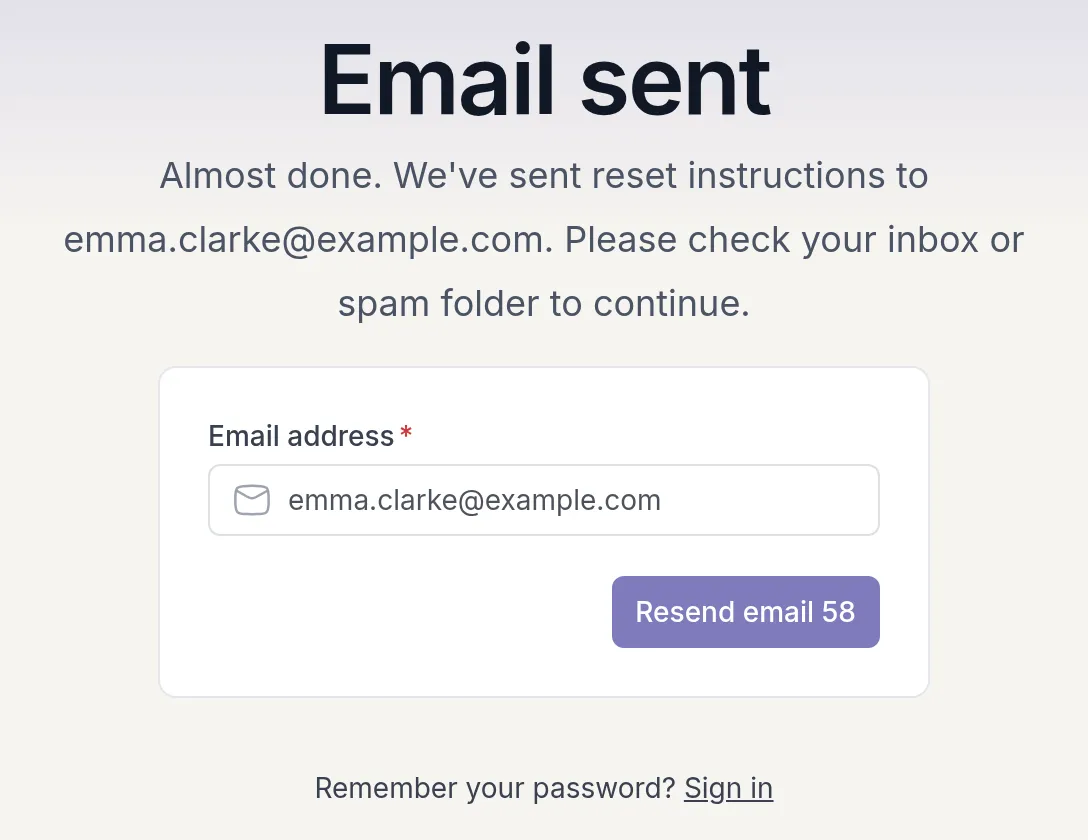
The page changes to Email sent. If no email arrives within a few minutes, check your spam or promotions folder. After 60 seconds you can click Resend email to send it again.
Set a new password
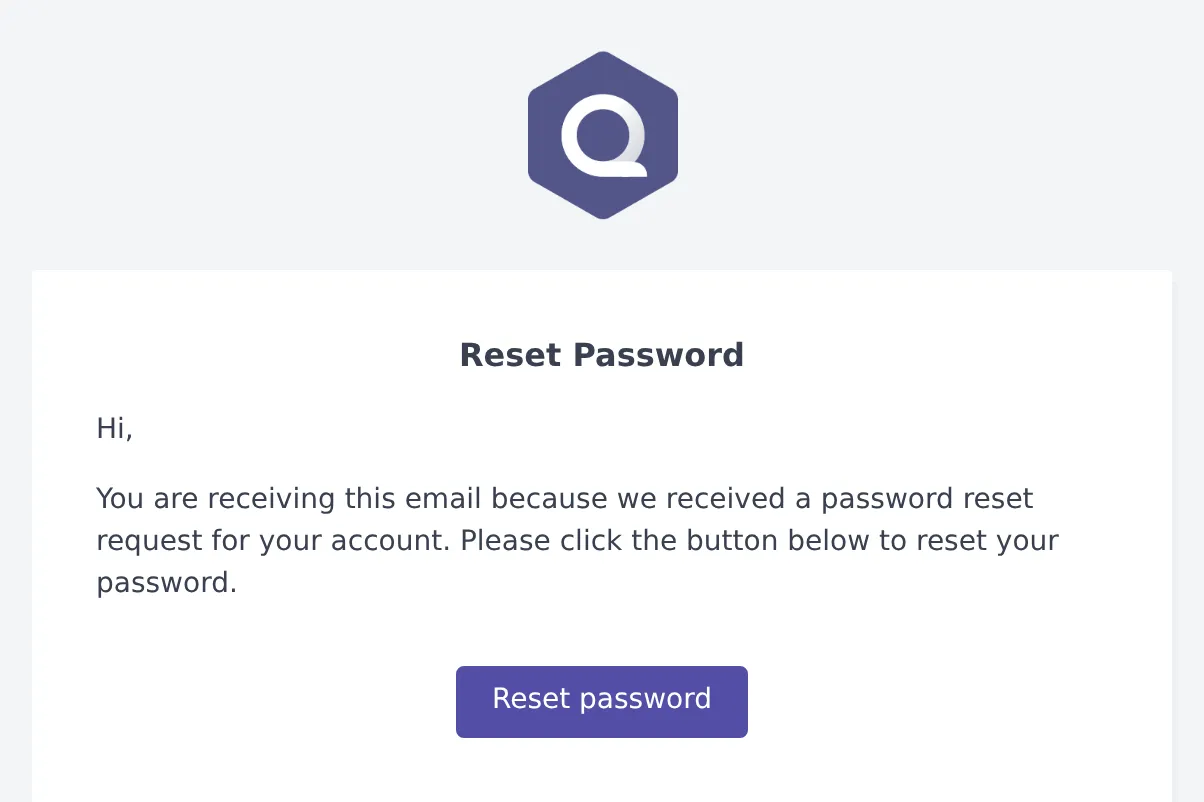
Section titled “Set a new password”Open the email with the subject Reset Password and click Reset password. If you requested more than one, use the newest email.
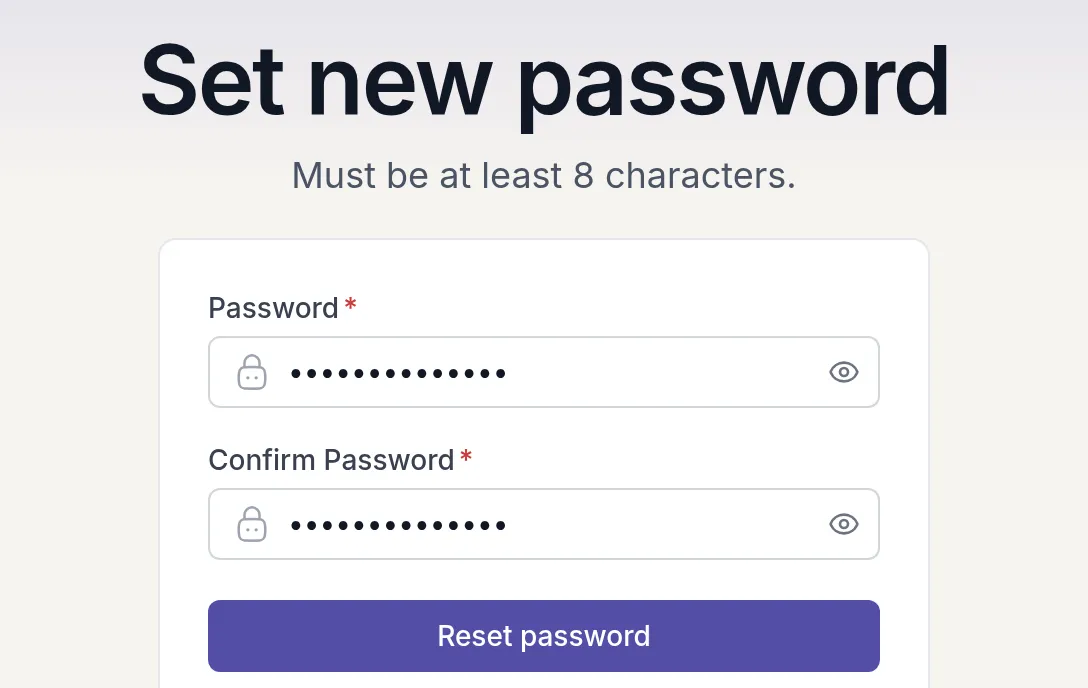
- On the Set new password page, enter your new Password. It must be at least 8 characters and contain both letters and numbers.
- Enter it again under Confirm Password.
- Click Reset password.
On the All done page, click Let me sign in and sign in with your new password.
If the reset doesn’t work
Section titled “If the reset doesn’t work”- Invalid request: the link is incomplete or has already been used. Request a new reset link and use the newest email.
- Your account has a pending invitation: you were invited to Quenza but haven’t accepted yet. Open the invitation email and click the button in it to set up your account. Ask your professional or workspace owner to resend it if you can’t find it.
Still stuck? Email us at help@quenza.com.
Was this article helpful?
Thanks for letting us know.
Thank you. We read every answer and use it to improve this article.