
Brand your practice
Your logo
Replace the Quenza logo with your own practice logo in the client portal, the mobile app and the emails your clients receive.
Upload your practice’s logo so clients see your brand instead of Quenza’s. You need permission to edit workspace settings, and the custom logo is available on the Growth plan and higher.
Your logo is often the first thing a new client sees. When Emma Clarke opens her invitation from Bright Path Coaching, she sees the Bright Path logo she knows from Sarah’s website, not the name of a software company. That makes it clear who the email is from and that the client portalClient portalThe website where your clients sign in to see their activities, programs, tasks, files and chats. The Quenza app shows the same. belongs to her coach.
Upload your logo
Section titled “Upload your logo”The logo is under Administration → Workspace → White Label, on the Custom Logo tab. Until you upload your own, it shows the Quenza logo.
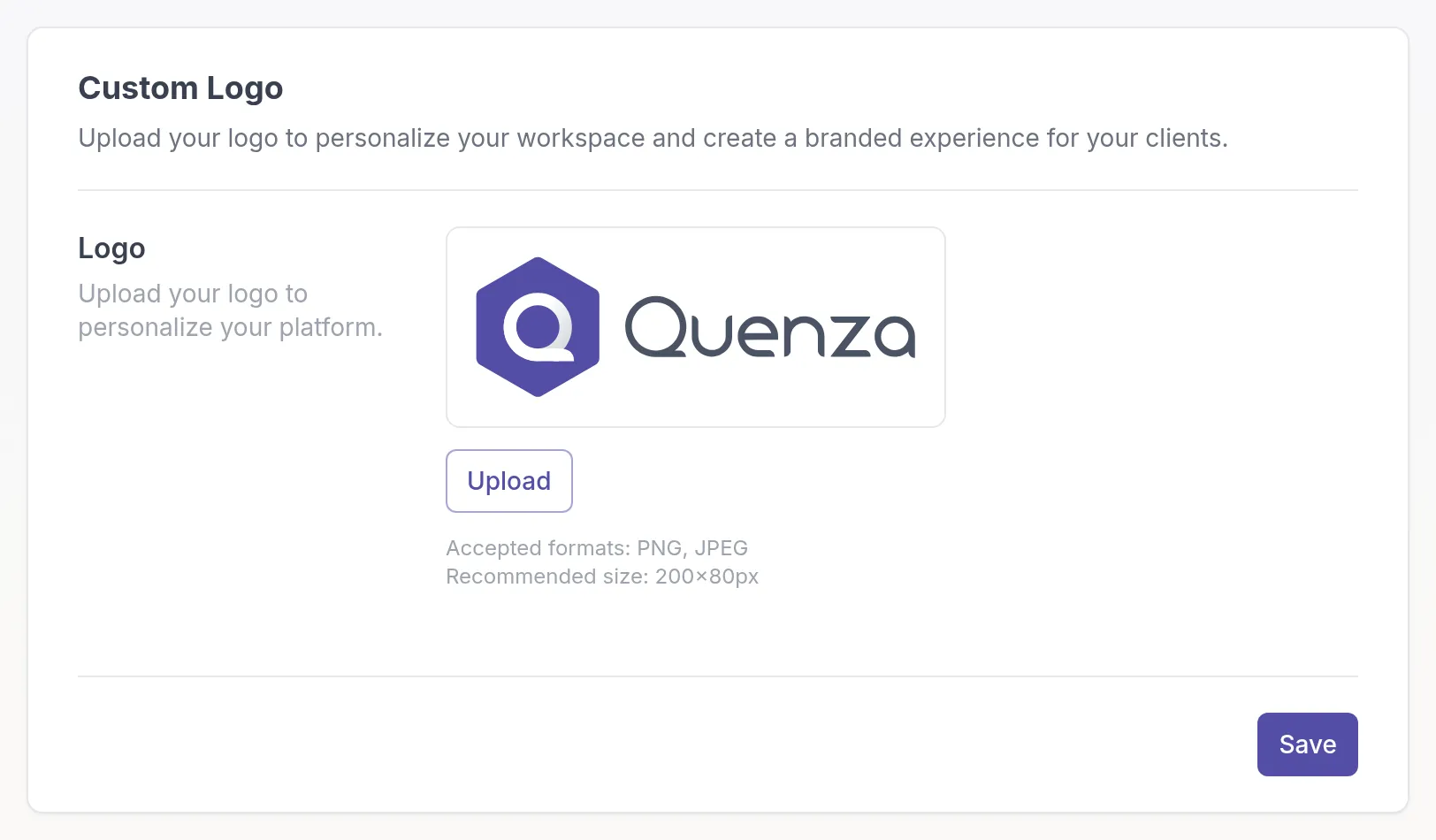
- Click Upload and choose a PNG or JPEG file. A wide logo of about 200 × 80 pixels works best.
- Move or resize the frame to choose the part of the image to use, and click Confirm.
- Click Save.
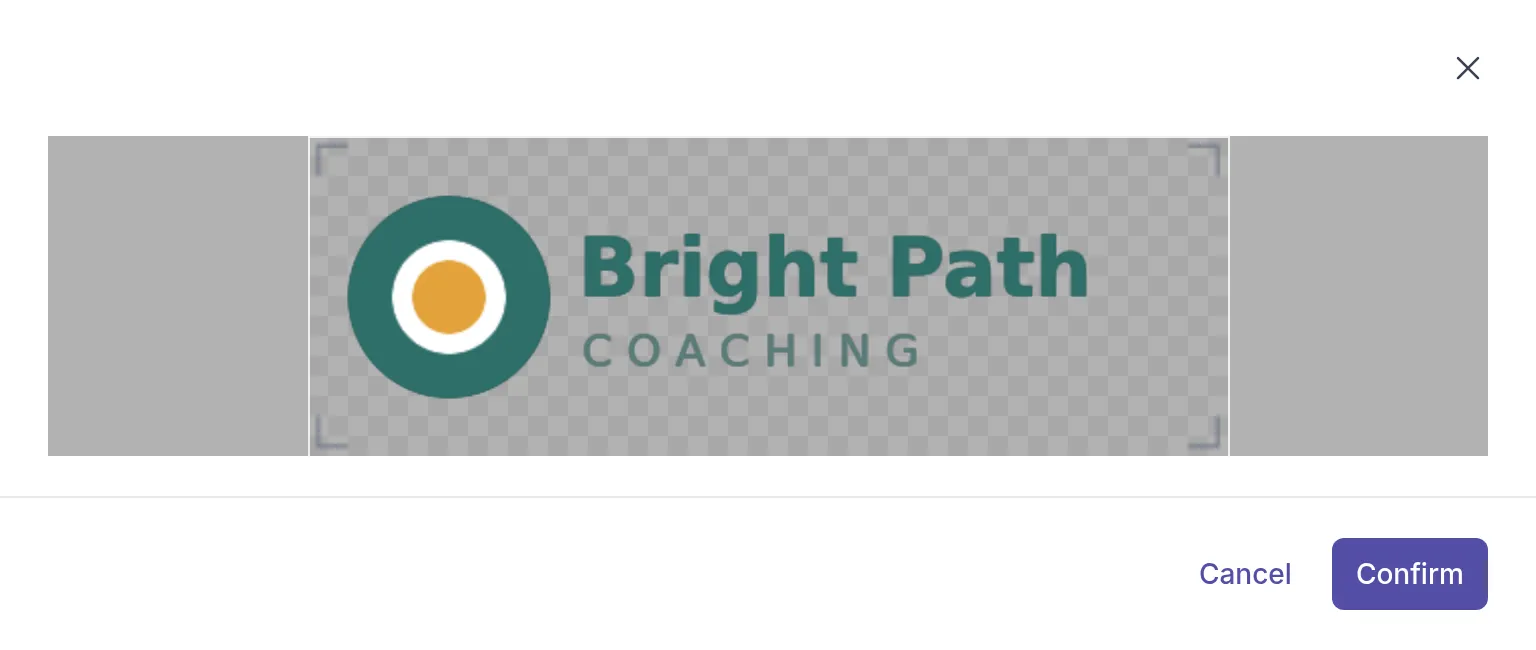
Until you click Save, the new logo is only a preview. If you leave the page before you save, nothing changes.
Where your logo appears
Section titled “Where your logo appears”- in the client portal and the mobile app, while clients view and complete their content
- in emails to clients, such as invitations and activity notifications
- in your own workspace
You can also reuse the workspace logo on a landing page.
Replace or remove the logo
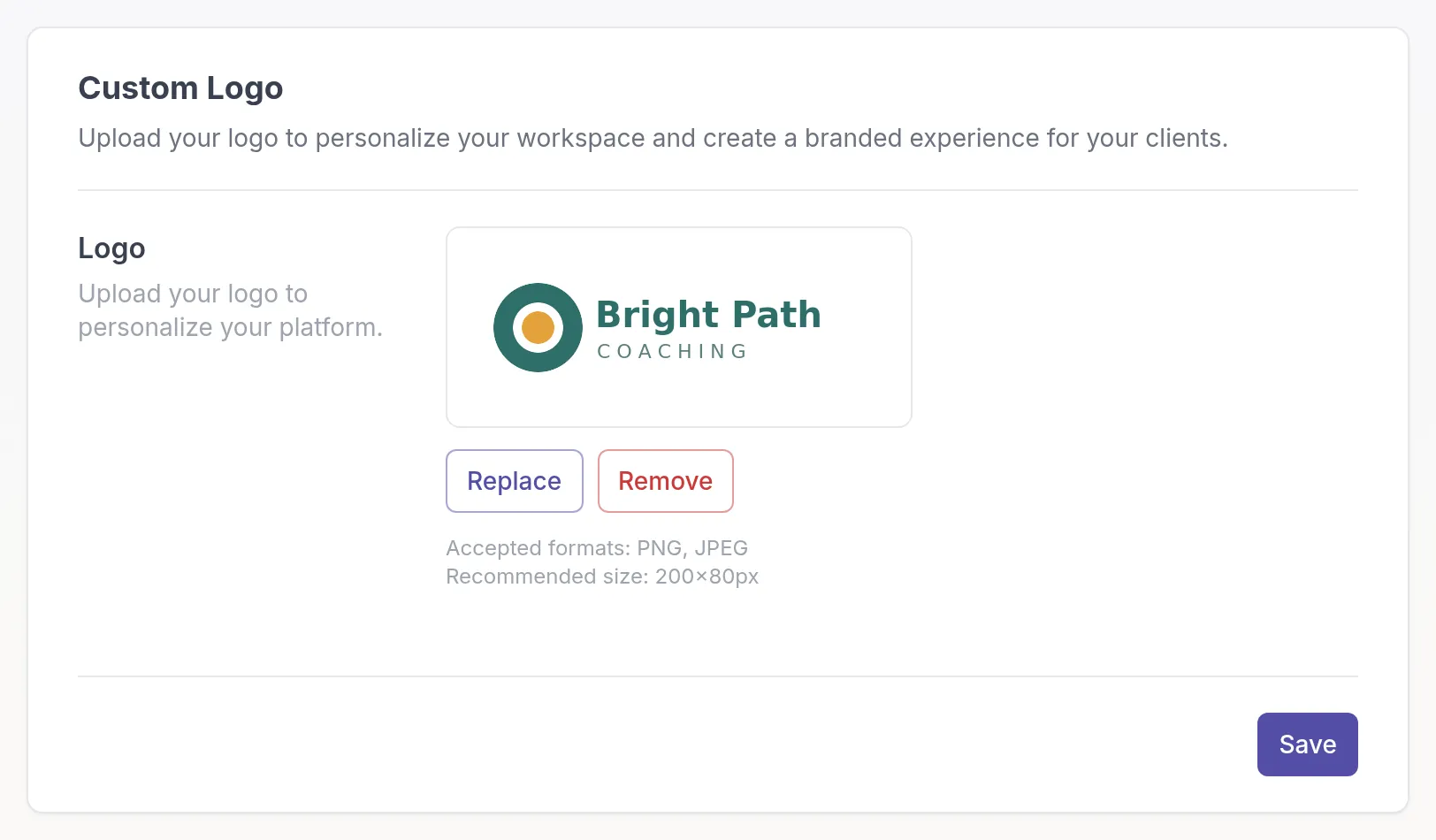
Section titled “Replace or remove the logo”On the Custom Logo tab, click Replace to upload a different file, or Remove to go back to the Quenza logo. Then click Save.
More ways to brand Quenza
Section titled “More ways to brand Quenza”- Custom sender email: send emails from your own address
- Custom domain: use your own domain for the client portal
- Rename “My professional” in the client app
- Email templates for the emails you send with activities and programs
Was this article helpful?
Thanks for letting us know.
Thank you. We read every answer and use it to improve this article.