
For your clients
Sign up online
Sign up through your professional's Quenza page, confirm your email address and see whether you got a place or joined the waiting list.
Some professionals have a page of their own in Quenza where you can sign up, for example for a group, a course or a first session. You fill in a short form, confirm your email address, and your professional takes it from there. You don’t need an account to sign up.
Fill in the form
Section titled “Fill in the form”Your professional shares the page with you, for example on their website, in a newsletter or in an email. The page tells you what you are signing up for and who you will work with.
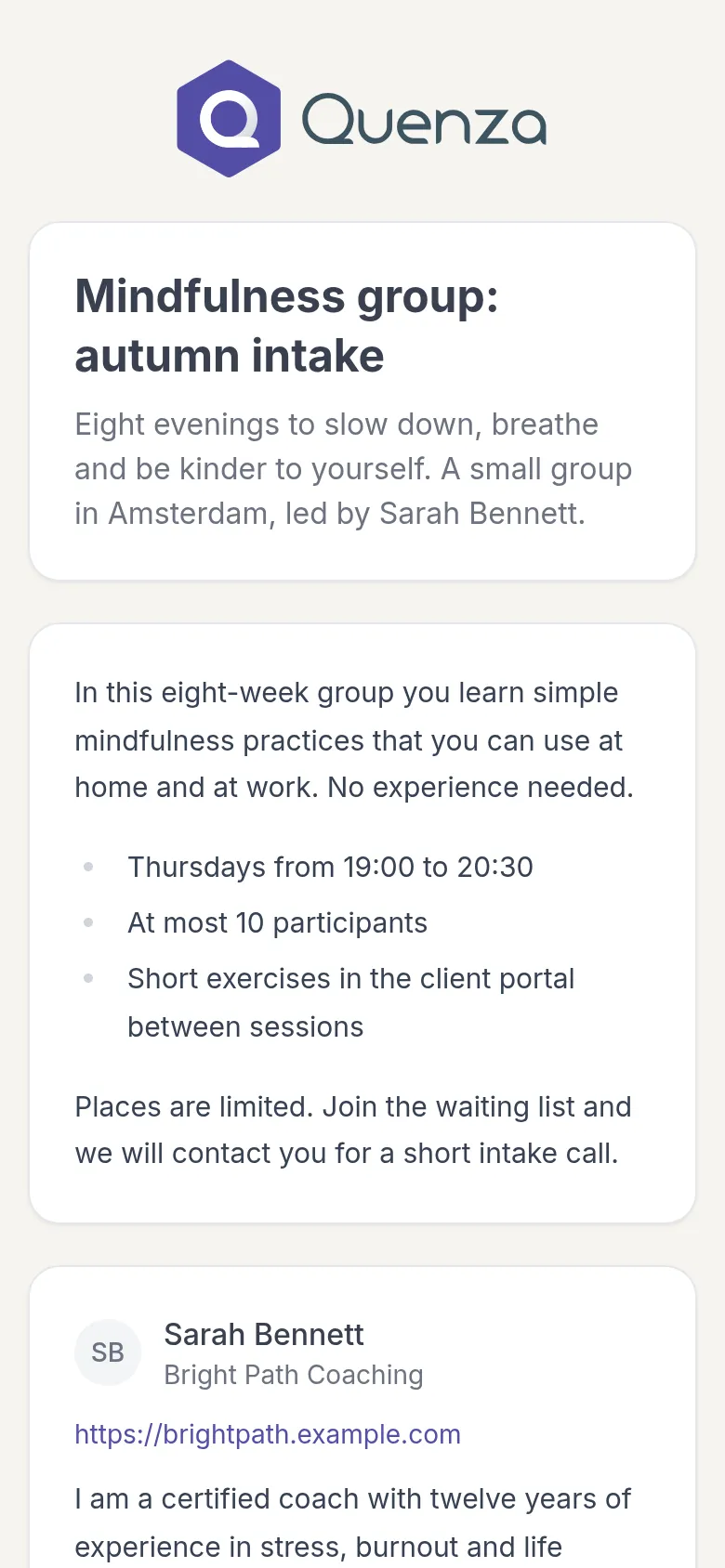
At the bottom is the form. Enter your First name, Last name and Email address and click the button below them. Its label depends on the page, such as Join the waiting list or Send request. Some forms also ask for your language.
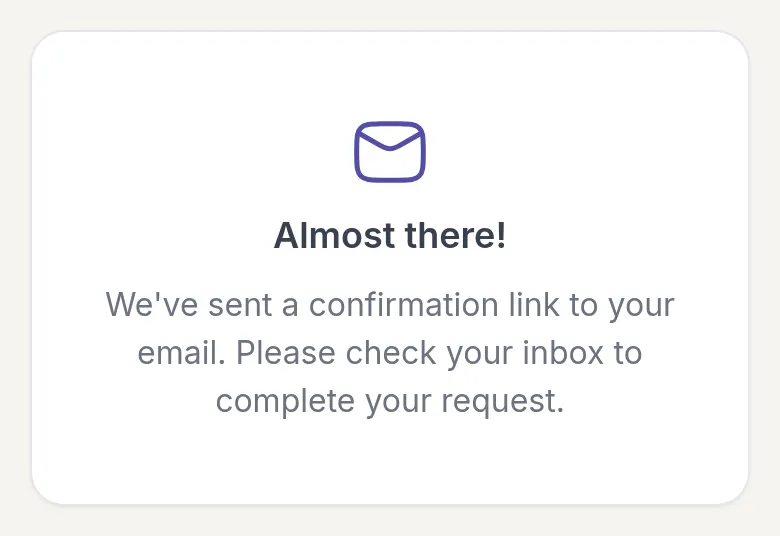
You then see Almost there!. Nothing has been sent to your professional yet: first you confirm that the email address is yours.
Confirm your email address
Section titled “Confirm your email address”You get an email with the subject Confirm your request to join and the name of the page. Open it and click Confirm request. That is all: opening the link confirms your request.
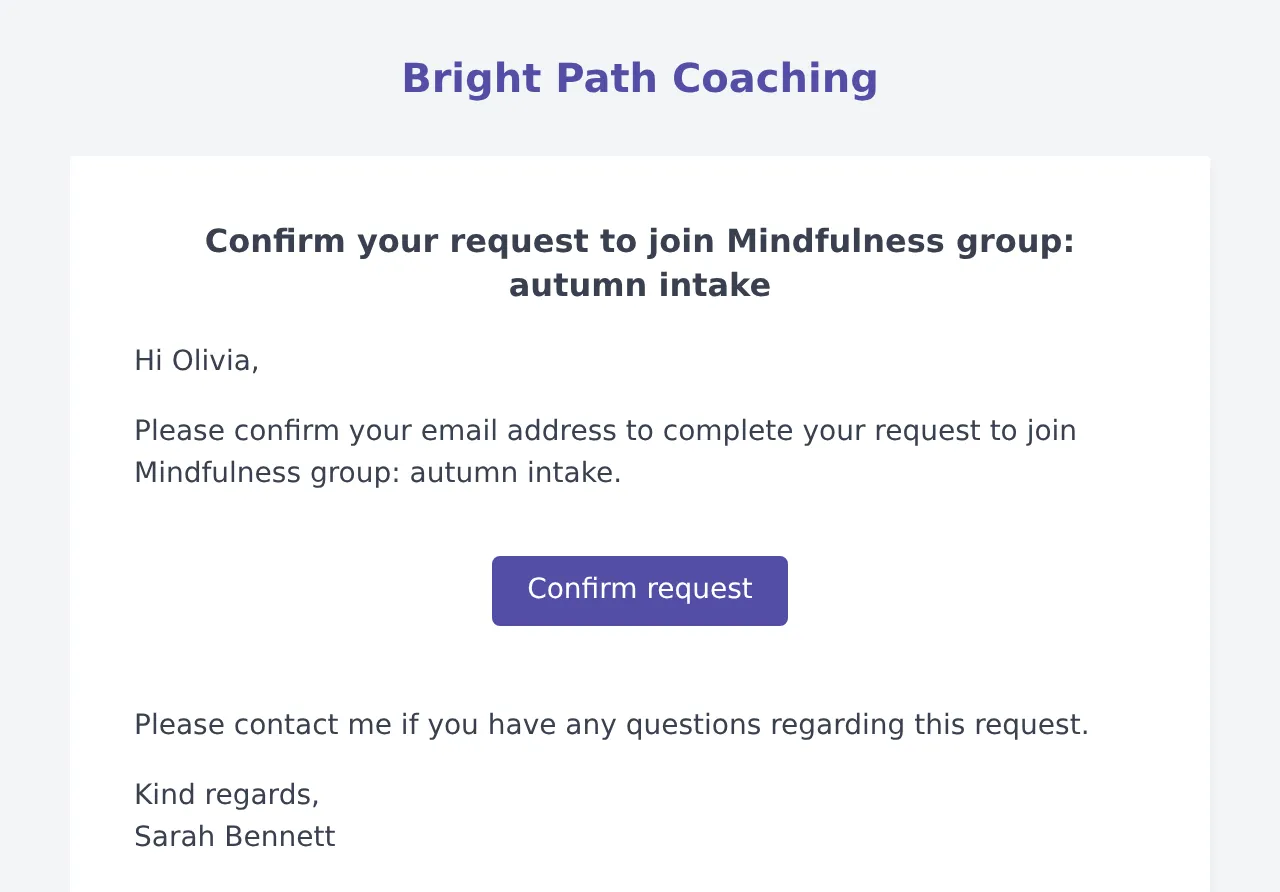
The link works for 24 hours. If it has expired, you see This link is no longer valid. Fill in the form again to get a new one.
No email? Check your spam folder, and check that you typed your email address correctly.
What happens next
Section titled “What happens next”When you open the link, the page tells you where you stand.
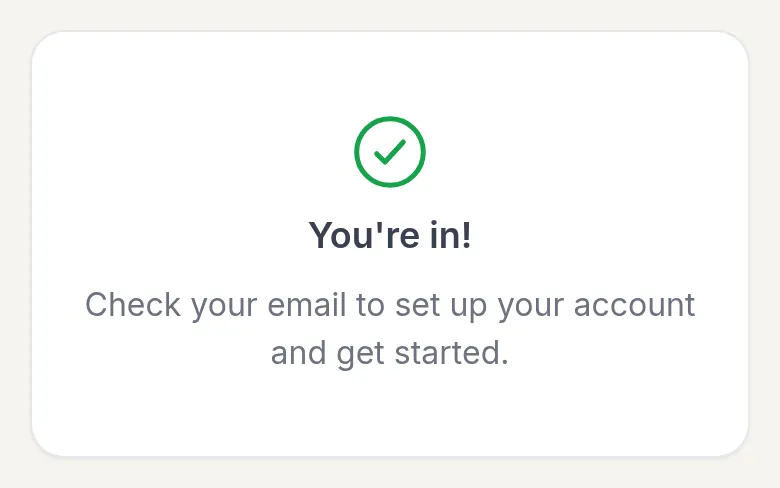
You’re in! You have a place. Shortly after, you get a second email: your invitation to the client portal. Accept it to set your password and get started. See Accept your invitation. Your professional may have set things up so that an activity, a program or a group is waiting for you as soon as you are in.
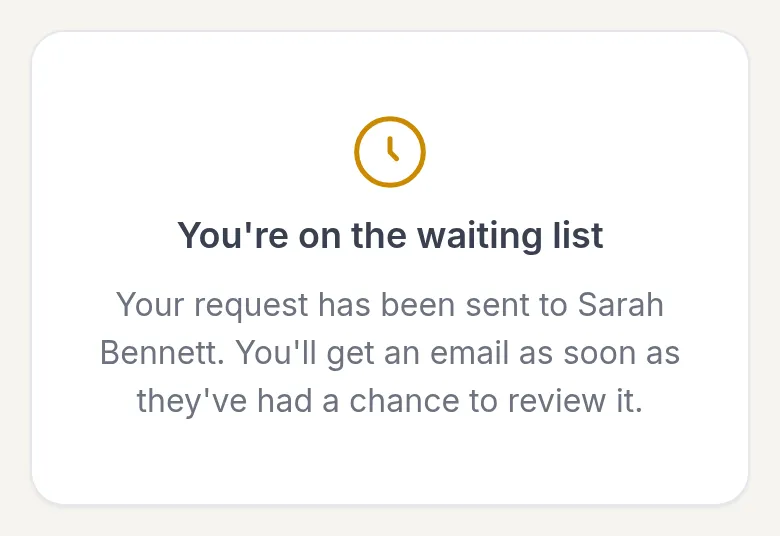
You’re on the waiting list. Your professional reviews each request before accepting it, or the practice is full right now. They get your request and you get an email once they have looked at it: an invitation if they accept you, or sometimes a short message if they cannot offer you a place.
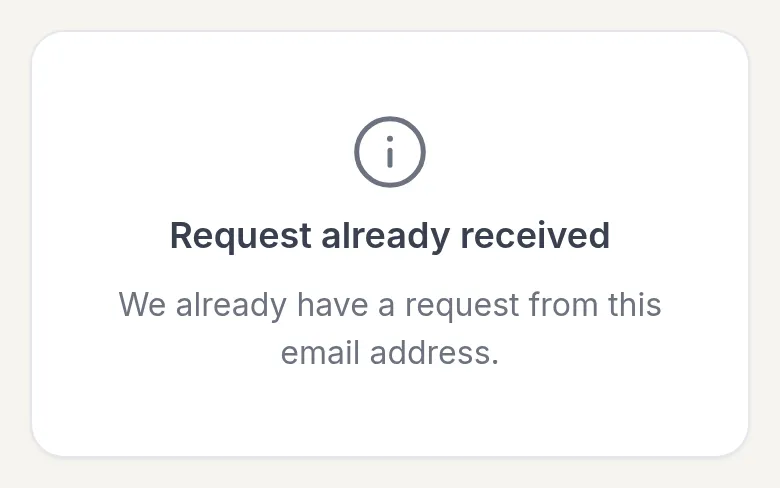
Request already received. There is already a request from this email address, or you already work with this practice. You may also see this right after you send the form. You don’t need to do anything. If you are unsure, contact your professional.
Your professional can change these messages, so the wording on their page may differ.
Example
Section titled “Example”Olivia reads on Sarah Bennett’s website about the Mindfulness group that starts this autumn. She opens the page, fills in her name and email address, and clicks Join the waiting list. In her inbox she clicks Confirm request and sees You’re on the waiting list. A week later, after a short intake call, Sarah accepts her request. Olivia gets an invitation email, sets her password and finds the group’s first exercise on My Day.
Was this article helpful?
Thanks for letting us know.
Thank you. We read every answer and use it to improve this article.