
Integrations and API
Calendly
Connect your Calendly booking page so clients can see your availability and book sessions with you from the Quenza client app.
Connect your Calendly booking page to Quenza, and your clients can see your availability and book appointments without leaving the client app.
This saves the back and forth about times. After a session, Emma Clarke opens Appointments in the client app, sees Sarah Bennett’s free slots for the next two weeks and books the one that suits her. Calendly sends both of them the confirmation, and Sarah’s calendar stays the place where all sessions are planned.
Setting this up takes two steps: a workspace Owner or Manager turns on the integration for the workspace, and then each professional connects their own Calendly link. The Calendly integration is not included in the Spark plan. See Plans and pricing.
Turn on Calendly for your workspace
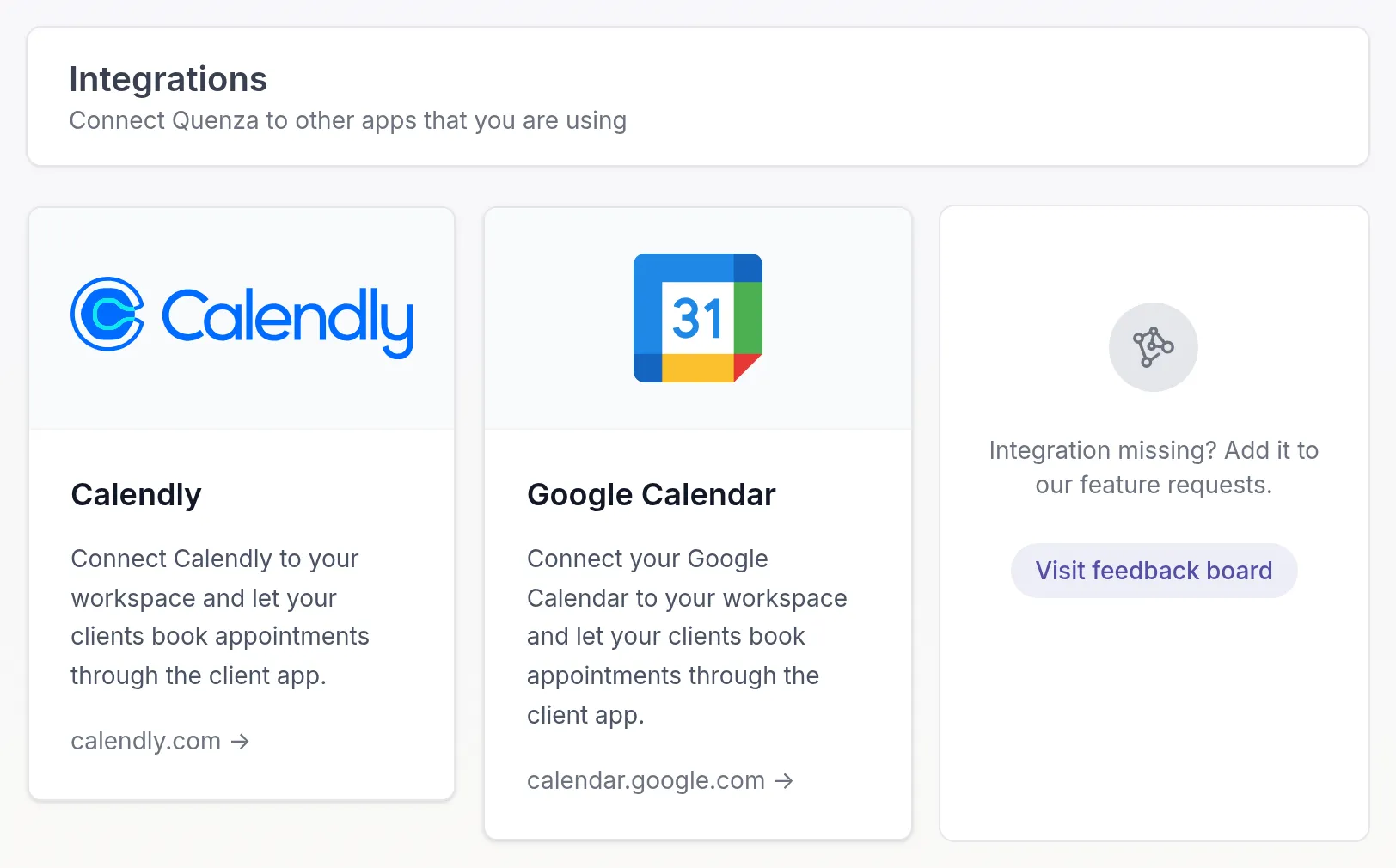
Section titled “Turn on Calendly for your workspace”Owners and Managers can do this. Click Integrations in the left menu and click the Calendly card.
Turn on Activate Calendly integration and click Save.
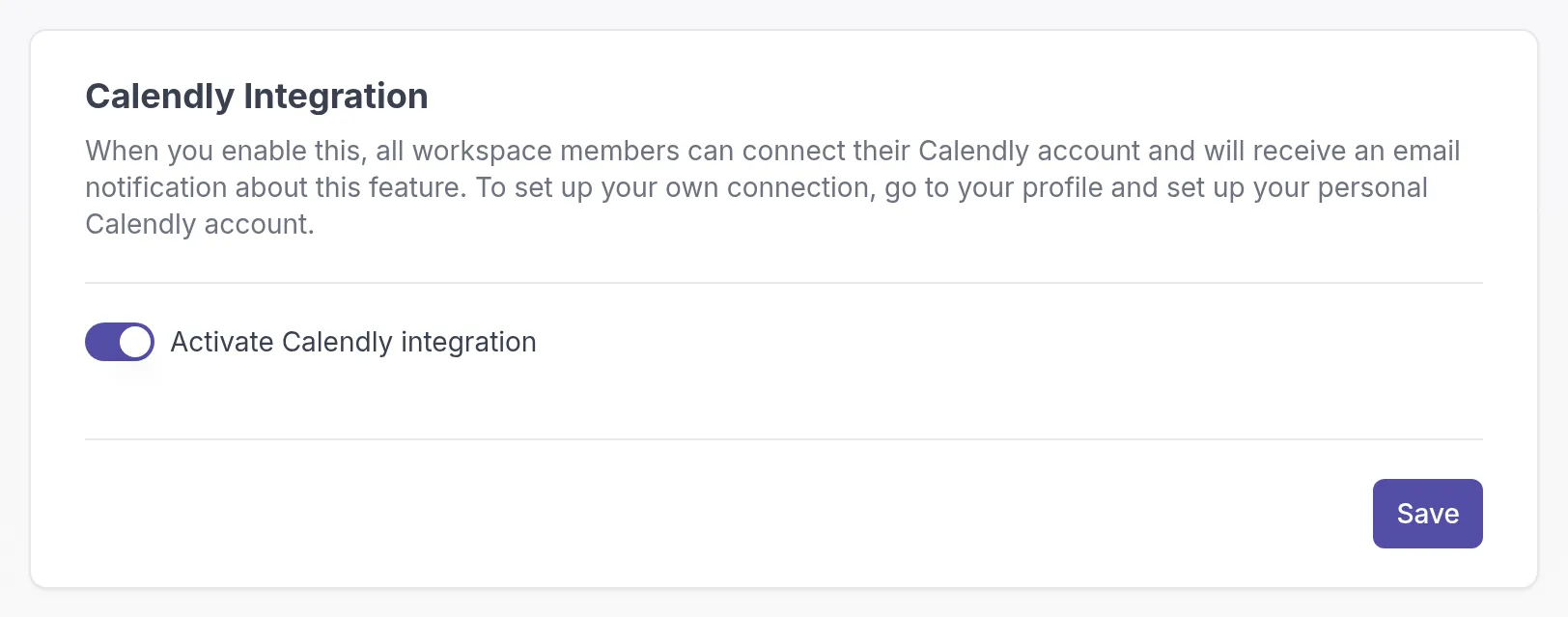
All professionals in your workspace get an email that the Calendly integration is available.
Connect your Calendly account
Section titled “Connect your Calendly account”Each professional does this for their own booking page.
-
In Calendly, find the event type clients should book and click Copy link. The link looks like
https://calendly.com/your-name/30min.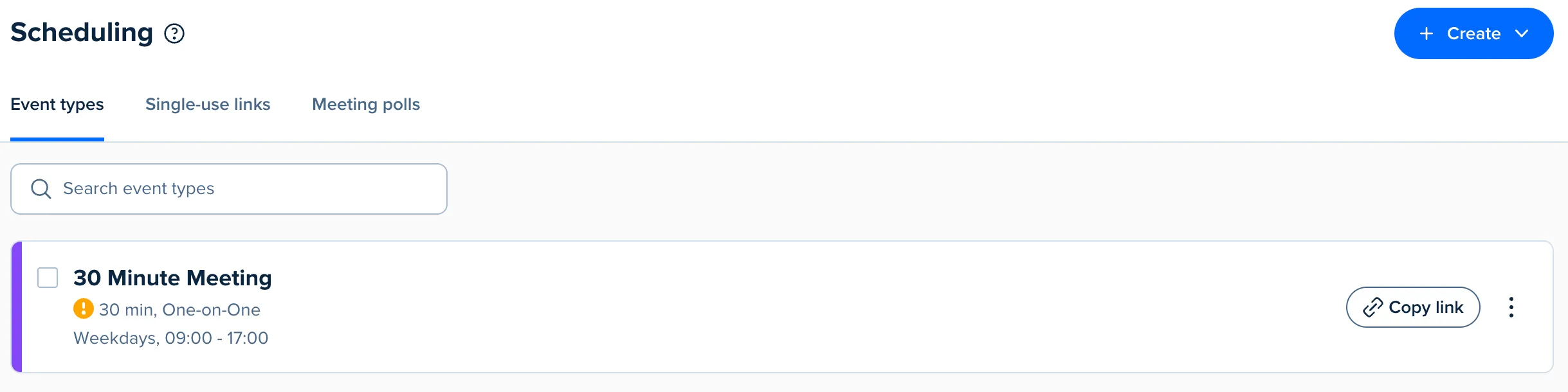
-
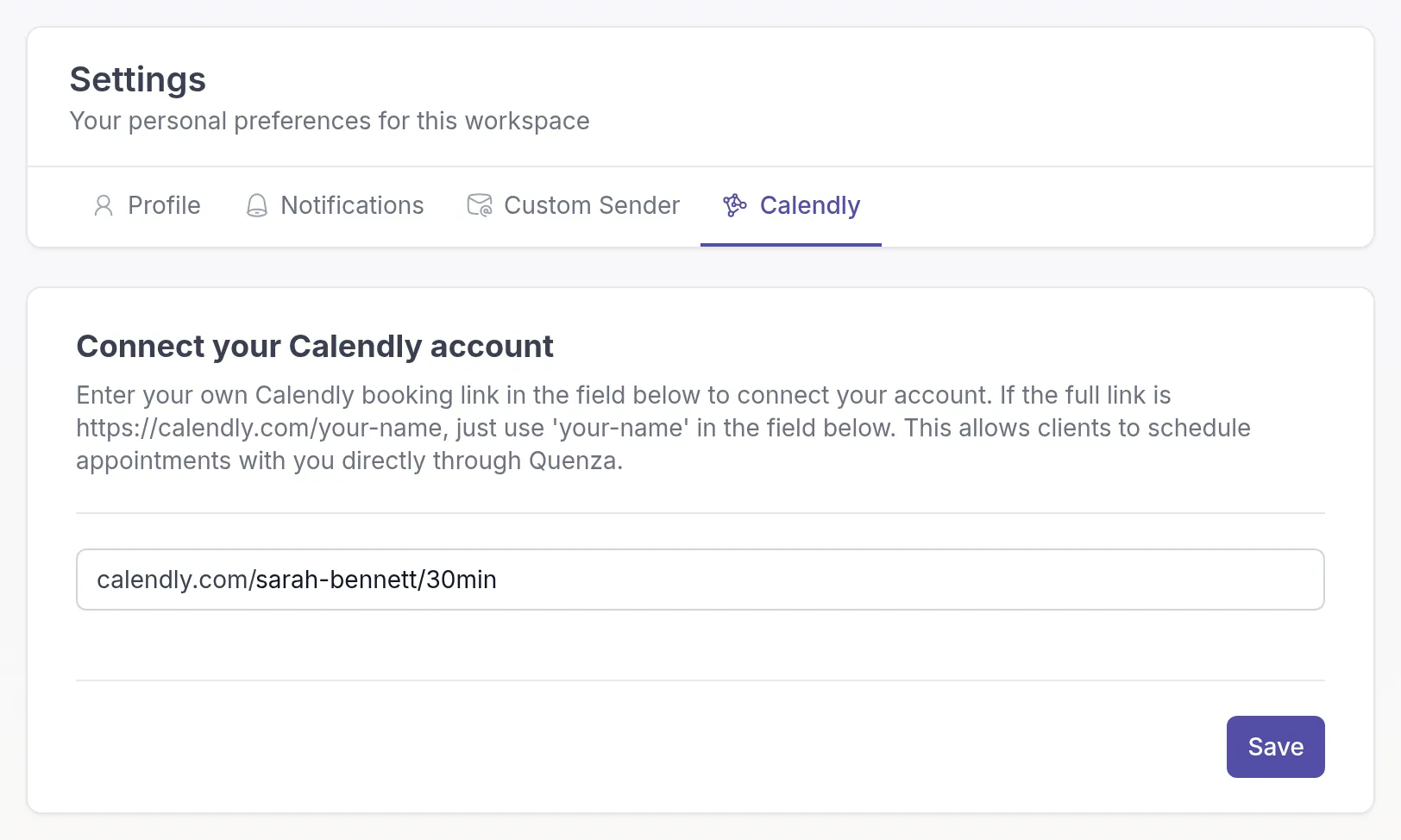
In Quenza, click your workspace name at the top of the left menu and choose My settings.
-
Go to the Calendly tab.
-
Paste only the part after
https://calendly.com/, for exampleyour-name/30min. Quenza already fills incalendly.com/for you. -
Click Save.
What your clients see
Section titled “What your clients see”Once you have connected your Calendly link, your clients see Appointments in the client app menu. There they can pick a time in your Calendly calendar and book it directly. If several of their professionals offer online scheduling, the client first chooses who to book with.
Bookings, cancellations and reminders are handled by Calendly, with your Calendly settings. Quenza doesn’t store the appointments.
Related
Section titled “Related”Was this article helpful?
Thanks for letting us know.
Thank you. We read every answer and use it to improve this article.