
Usability Improvements - Do More, Navigate Less
We’ve been hard at work improving the user experience across the platform. This update brings a host of usability enhancements that streamline your daily workflows and put important actions right where you need them.
Client-Management
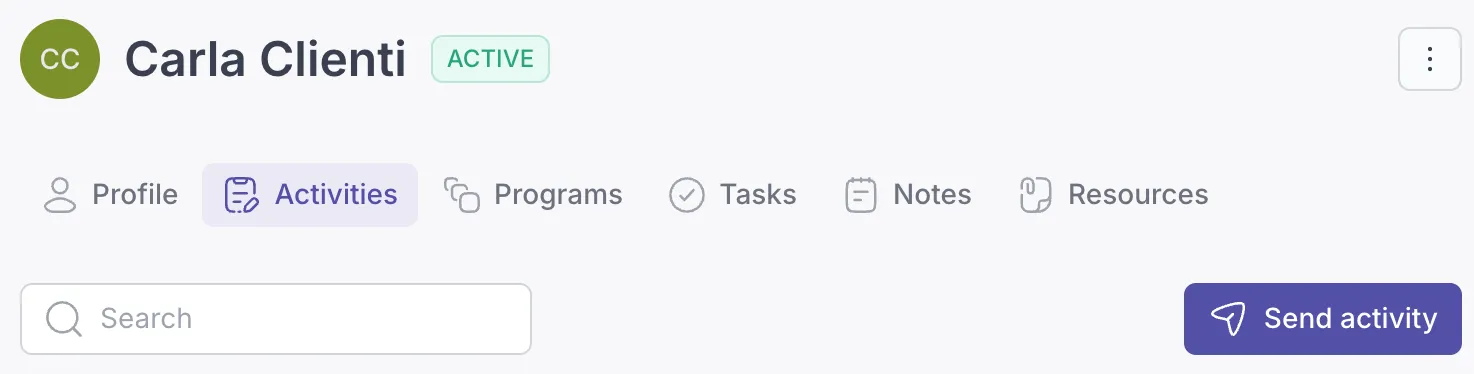
Section titled “Client-Management”Faster assignment workflows: Send activities and programs directly from a client’s profile page. No more jumping back to the library when you’re already viewing the client’s activities and programs tab.
Centralized client actions: The client profile now includes a three-dot menu that gives you quick access to all client-related actions, eliminating unnecessary trips to the client listing.
Activity and Program Assignments
Section titled “Activity and Program Assignments”Complete control from assignment details: All assignment actions - including canceling assignments and sending reminders - are now available directly on the assignment detail screen.
Activity and Program Builder
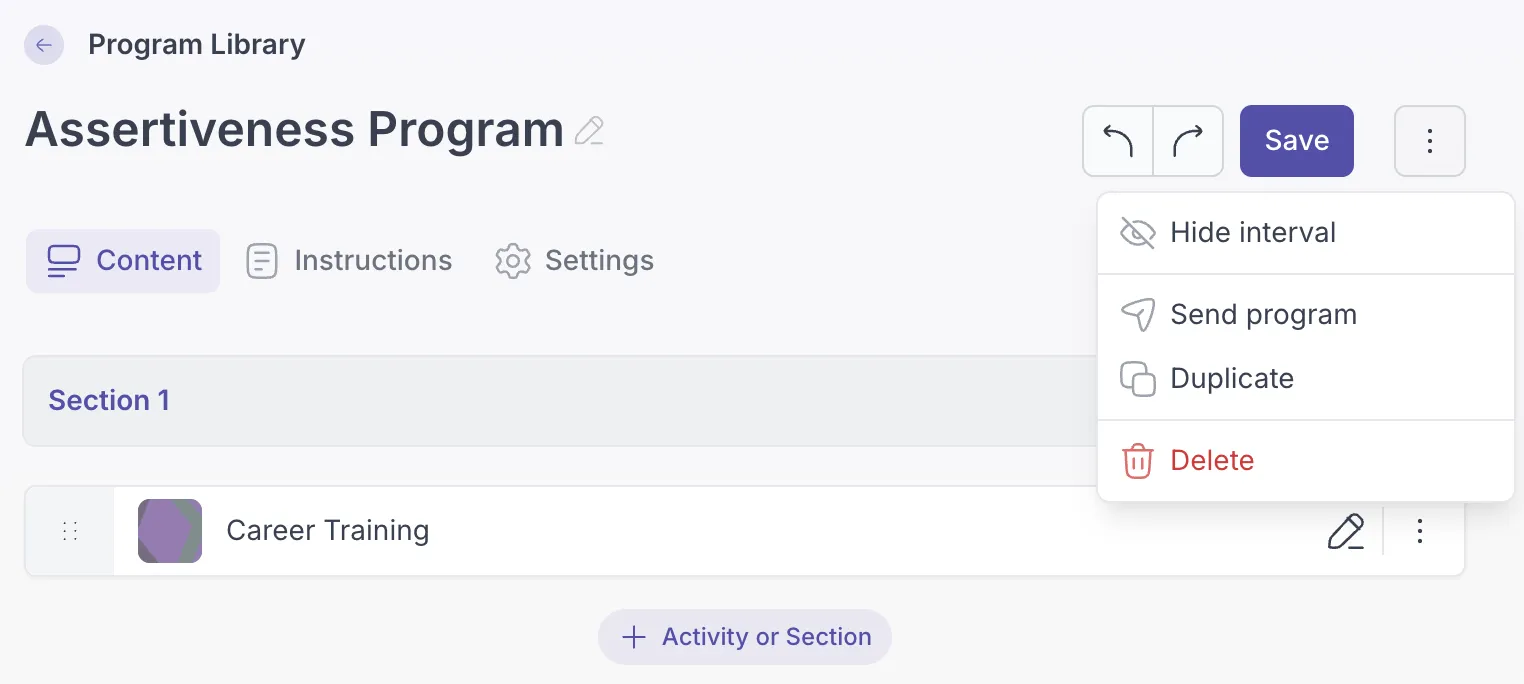
Section titled “Activity and Program Builder”Streamlined library management: Every action previously available only in the activity and program library listings can now be performed directly within the builder itself.
Within the Program Builder, you can now toggle interval visibility when scheduling activities for a clearer, more focused view.
Delete notes where you view them: You can now delete notes directly from the detail screen, saving you a trip back to the notes listing.