
Attachments in Chats & Custom Email Sender Feature
Today, we have some powerful updates that give you more control over your Quenza experience and enhance how you communicate with clients.
New Features
Section titled “New Features”Chat Attachments
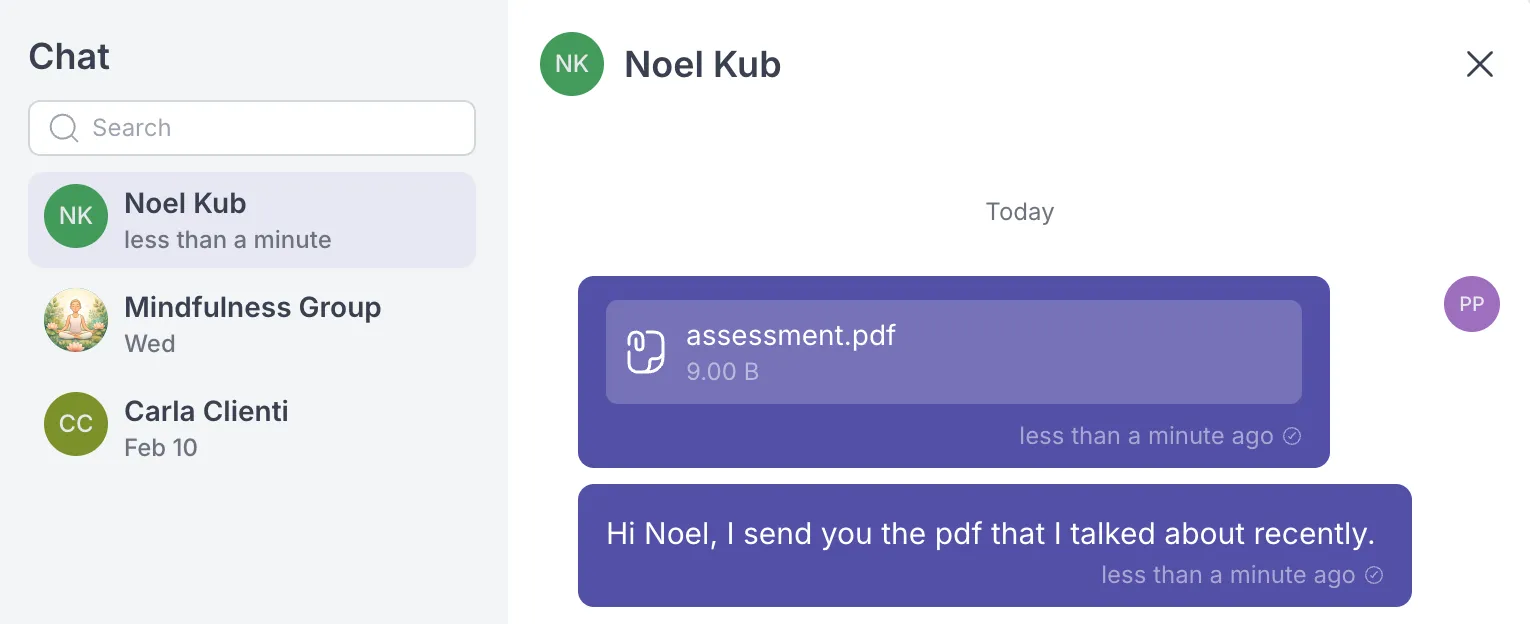
Section titled “Chat Attachments”You can now share files directly in your client conversations! The chat feature now supports attachments, including images, videos, documents, and other file types. This makes it easier to exchange resources, share progress photos, send worksheets, or provide any materials your clients need. Simply click the attachment icon in the chat interface to add files to your messages.
Custom Sender Email Address (White Label)
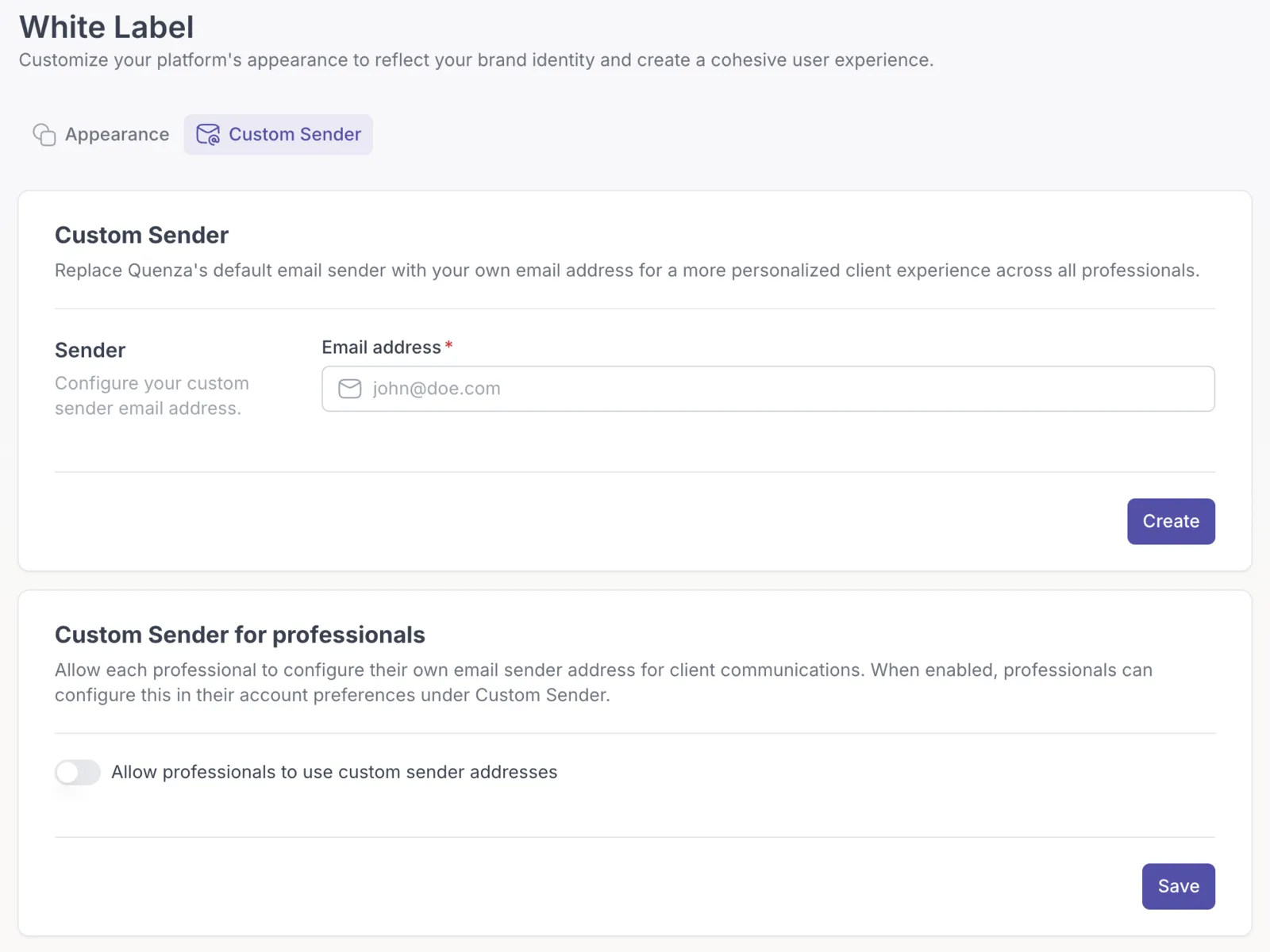
Section titled “Custom Sender Email Address (White Label)”Take your branding to the next level with custom sender email addresses. You can now configure Quenza to send all system emails (notifications, reminders, activity assignments, etc.) from your own email address instead of the default Quenza address. This creates a more professional, branded experience for your clients and ensures all communications appear to come directly from you or your practice. This feature can be configured at the workspace level for your entire team, or each professional can set up their own individual sender address. Configure this feature in the menu Workspace -> White Label.
Improvements
Section titled “Improvements”Redesigned Professional Navigation
Section titled “Redesigned Professional Navigation”We’ve updated the navigation menu in the professional app to make it more intuitive and efficient. The new menu structure helps you with an easier navigation and prepares it for more features in the future. Also, we changed the Section “Branding” into “White Label”, expressing the features that this section will contain.