
Preview Pre-Made Content, Add Elements on Hover, and More
A handful of improvements to make building and exploring content in Quenza smoother. Here is what’s new.
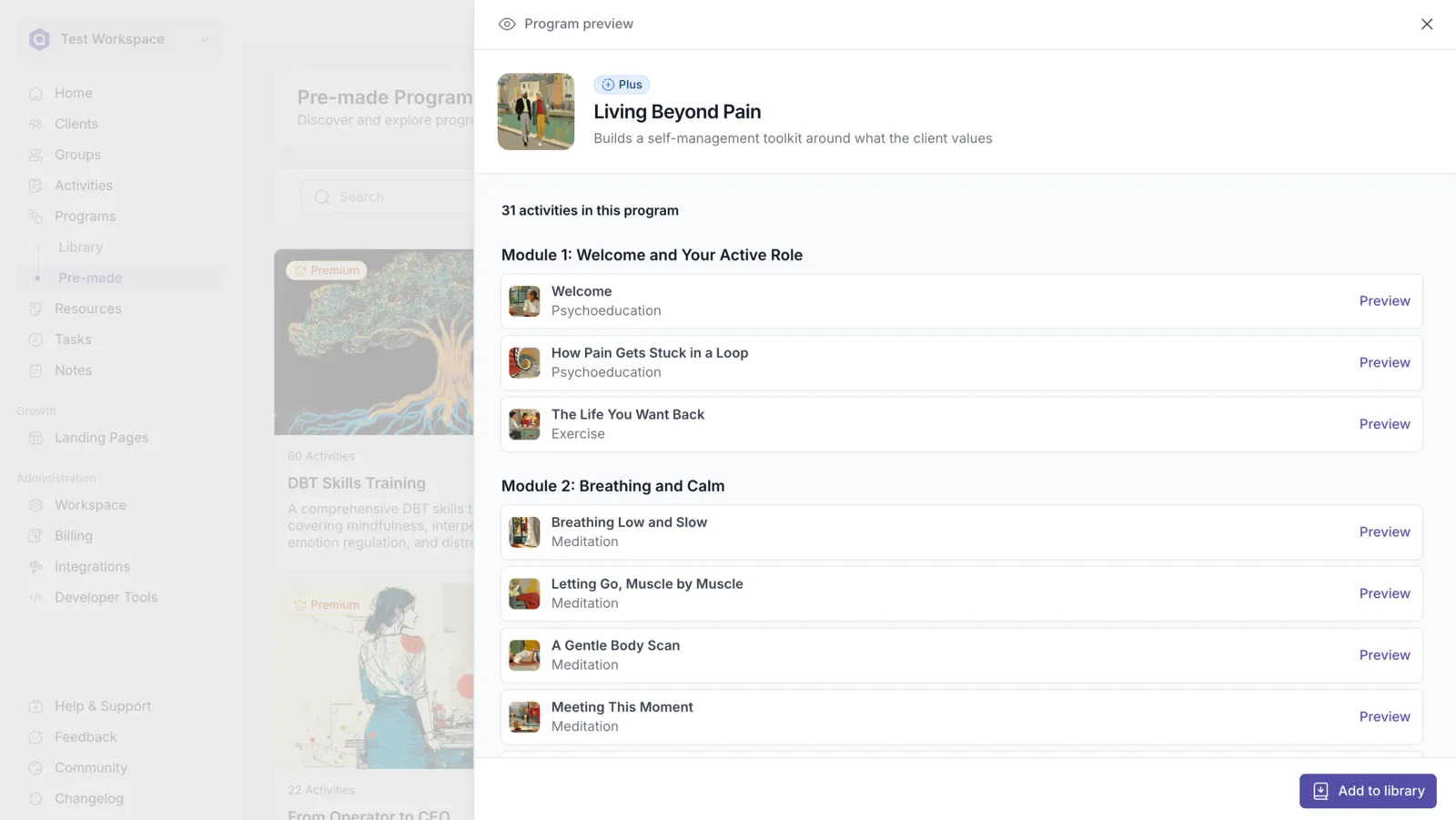
Preview Premade Activities and Programs Before You Add Them
Section titled “Preview Premade Activities and Programs Before You Add Them”Clicking a premade activity or program now opens it in a new preview drawer, so you can look through the content before adding it.
If the activity or program is part of your plan, you can preview it in full.
If it’s only available on a higher plan, you can now preview part of it to help you decide whether upgrading is worth it. Previously, premade content outside your plan was hidden completely, so you had no way of knowing what you’d get before switching plans.
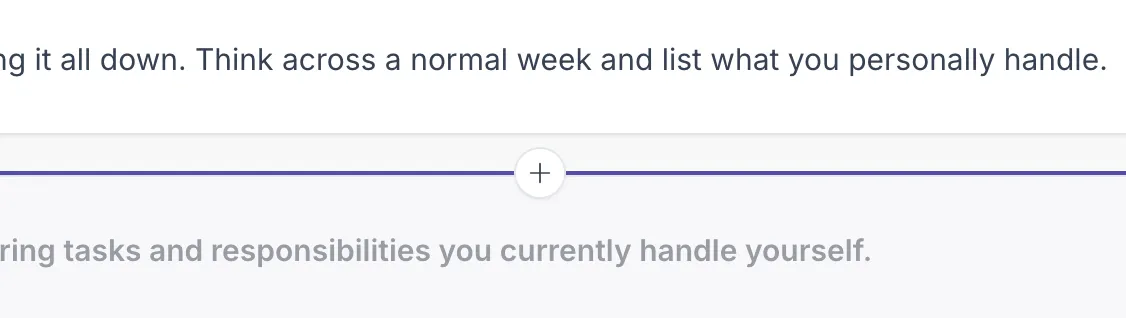
Add elements right where you want them
Section titled “Add elements right where you want them”Building just got quicker. Hover between blocks in the activity builder, or the landing page builder, and a + button appears, letting you drop a new element exactly where you need it instead of adding it at the end and dragging it into place.
Play m4a and wav audio in resources
Section titled “Play m4a and wav audio in resources”Audio files in the m4a and wav formats now play back directly in your shared resources, so clients can listen without downloading anything first.
Reliable previews when you undo and redo
Section titled “Reliable previews when you undo and redo”Undo and redo in the builder now keep the element preview in sync, so what you see on screen always matches your most recent change.
More polish on the way. As always, keep the requests coming on the feedback board.