
Your Practice, Your Words: Custom Professional Labels
Coach, therapist, counselor, mentor - “professional” is not always the word you use with your clients. You can now choose the label they see in Quenza, so the client app feels more like your practice.
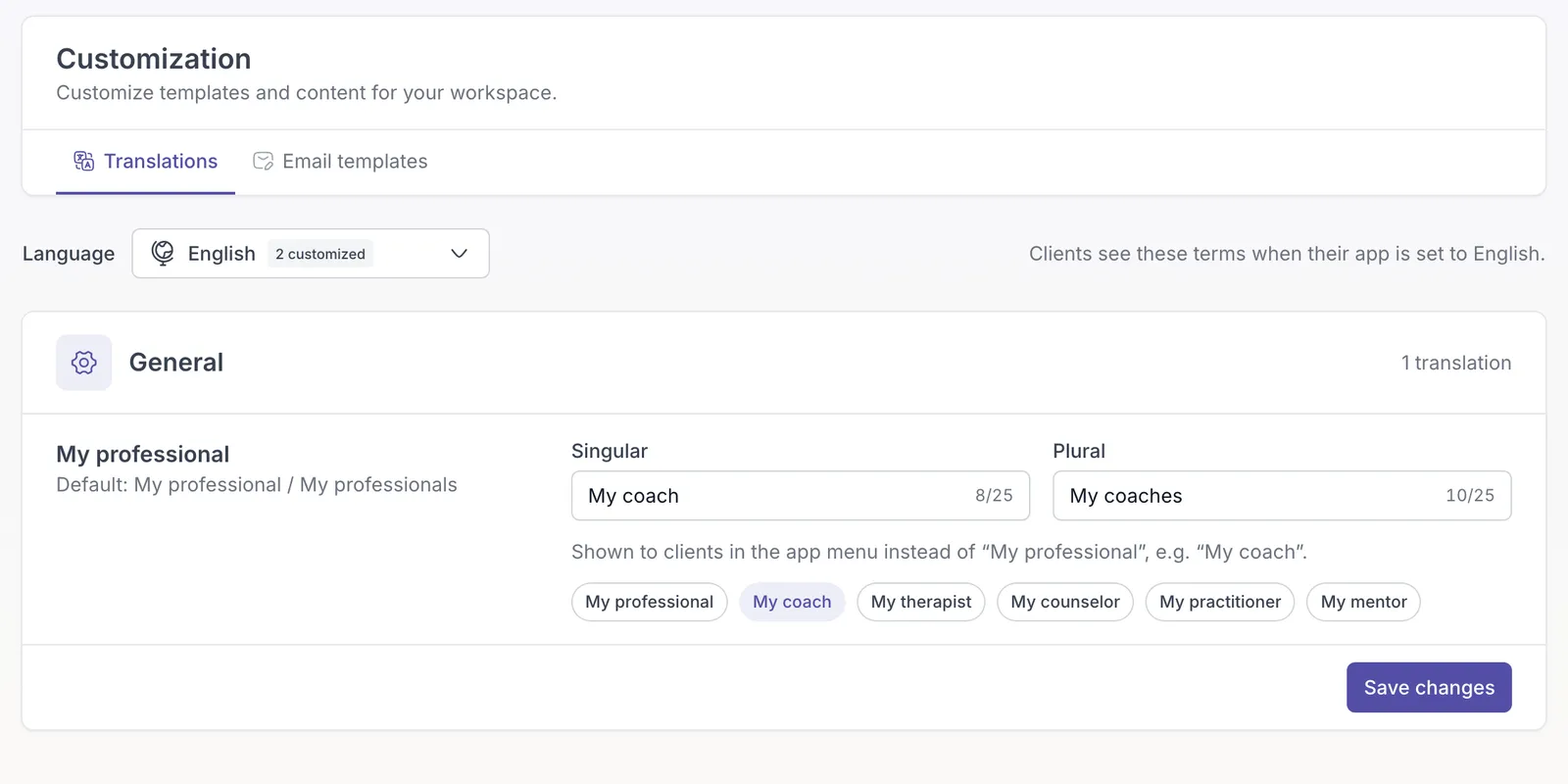
Choose the words that fit
Section titled “Choose the words that fit”Pick a ready-made option like My coach or My therapist, or write your own. Set the singular and plural forms separately, and Quenza uses the right one for each client. Your wording appears in the client navigation, on the professionals page, and in the professional heading in Chats.
Make it personal in each language
Section titled “Make it personal in each language”Customize the labels independently in any of Quenza’s supported languages. Clients see the wording for their own app language; languages you leave unchanged keep Quenza’s built-in text.
Find the new settings under Administration → Workspace → Customization → Translations, choose your labels, and click Save changes.
Custom professional labels are available on Spark, Growth, Impact, Collective, and Beyond, and during a trial. Legacy workspaces do not include this feature by default. For more information visit our knowledge base.