
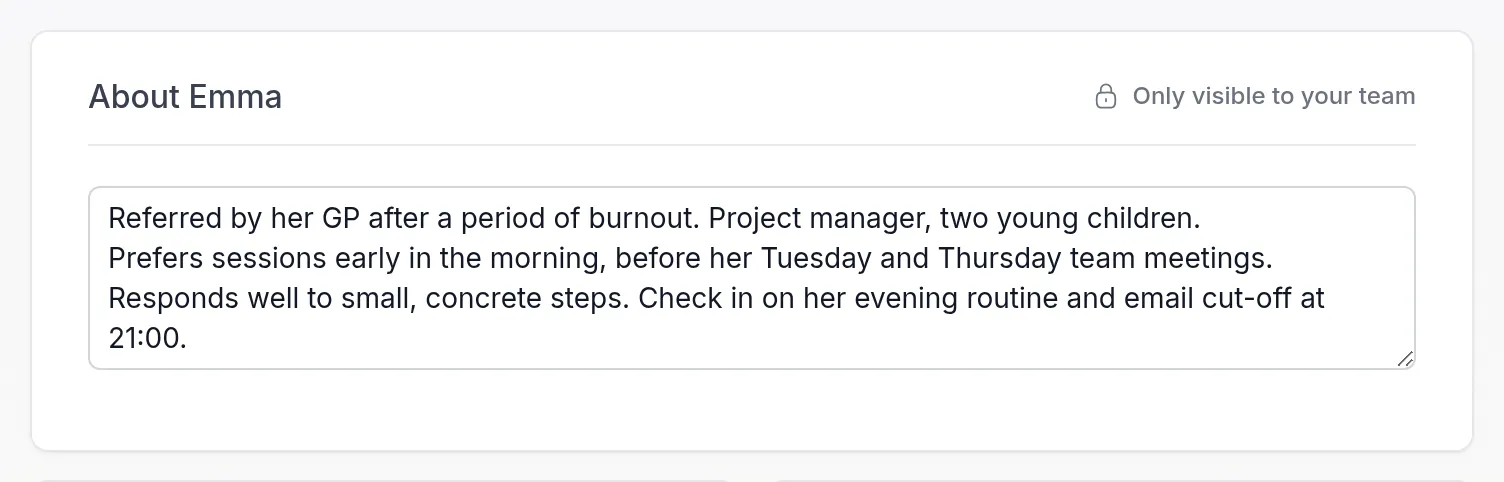
Every client’s Details tab now starts with a card named after them, such as About Emma. Write down what you and your colleagues should know about the client: how you met, the context they come from, their preferences, what to keep in mind before a session.
The text is only for your team. Your client never sees it, not in the client app, in emails or through the API. Owners, Managers and Members can read and change it.
There is nothing to save. Quenza saves the text a moment after you stop typing and tells you below the field when your changes are saved. If you leave the page before that, it asks whether to save or discard them.
Because the card sits at the top of the client’s page, it is the first thing a colleague reads when they take over a session or open a client they don’t know yet. Describe the client has the details.